7 Surprising Ways AI Is Transforming Your Job (And Saving You Hours)
Artificial intelligence is no longer a futuristic concept—it’s a daily tool that workers across industries are adopting to streamline tasks, spark creativity, and even bridge communication gaps. From teachers who slash grading time to marketers who decode audience trends, professionals are discovering that AI can handle repetitive or complex work, freeing them for higher-value activities. However, experts caution that AI tools can make mistakes and may dull critical thinking if used without oversight. Here, we explore seven concrete ways AI is reshaping workplaces, backed by real examples from educators, product managers, and marketing leaders. Click any item below to jump straight to that insight.
1. Decoding Complex Jargon in Real Time
Technical product managers often face meetings where engineers speak in dense acronyms and code. Kristin Moore, a product manager at PERQ, uses Claude (an AI assistant) to upload recorded conversations and request simplified summaries. The tool extracts terminology she doesn’t grasp and explains it in plain language, clarifying action items. Moore also feeds emails, support tickets, and meeting transcripts into the AI to identify client needs. She reports that this practice has freed up hours each week, allowing her to focus on strategy rather than deciphering conversations. However, she double-checks outputs because AI can misinterpret context or hallucinate facts.
2. Grading Papers in Minutes Instead of Days
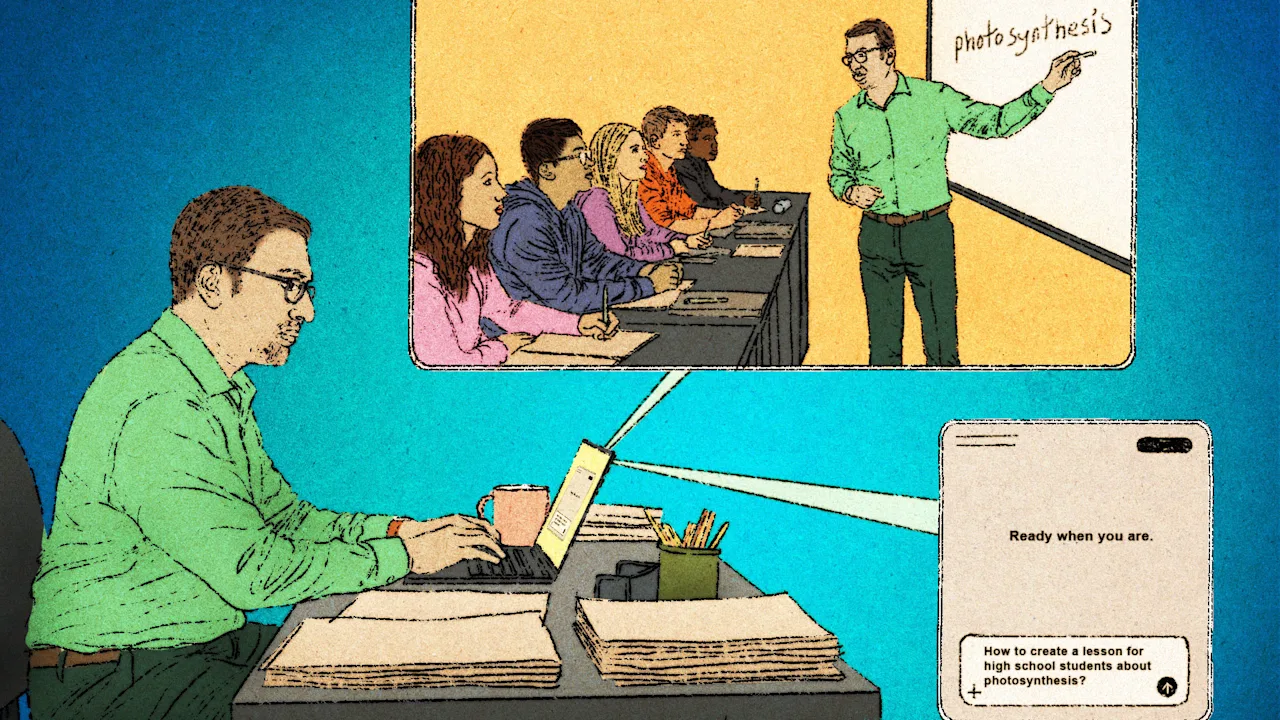
Kyle Weimar, an elementary teacher and multi-tiered support coordinator at a Florida school, uploads test scores, report cards, and health data into his district’s AI tool. Before meetings, he asks it to brainstorm interventions for students in the bottom 20%. More impressively, he uses AI to grade up to 100 papers at once by providing a scoring guide. The tool marks work and delivers instant feedback to students. “I can do that in 30 minutes, whereas it would have taken me a week before,” Weimar says. He notes that while AI speeds up routine tasks, teachers must verify grades and comments for fairness.
3. Working a Room Virtually with Data Dashboards
Ashley Smith, head of marketing at staffing firm HireQuest, built a Claude-powered dashboard that analyzes website traffic and social media trends. The tool reports which content resonates with followers and which topics they ignore. Smith shares these insights with franchisees to help them tailor pitches and win more business. The dashboard also tracks competitor activity, giving HireQuest a real-time edge. Smith emphasizes that AI’s pattern recognition is powerful, but she still reviews recommendations before implementing them, as trends can shift abruptly.
4. Generating Fresh Content Ideas on Demand
Writers, bloggers, and social media managers often hit creative blocks. Many now use AI tools like ChatGPT or Jasper to brainstorm topic lists, draft outlines, or rewrite headlines for better engagement. For instance, a content strategist can input keywords and audience demographics, and the AI returns a dozen angles. This approach turns a one-hour brainstorming session into a five-minute prompt. The key is to treat AI as a collaborator—never publish raw output without editing for tone, accuracy, and originality. Professionals who rely solely on AI risk producing generic or factually shaky content.
5. Summarizing Long Meetings and Documents Instantly
Executives and project managers spend countless hours reading reports, transcripts, and email chains. AI summarization tools (such as Otter.ai or Notion AI) can condense a 60-minute meeting into three bullet points. Users simply upload the recording or paste the text, and the tool extracts decisions, action items, and deadlines. This saves time and ensures no detail slips through the cracks. However, summaries may miss nuance or emotional tone, so leaders should review original recordings for sensitive discussions.
6. Drafting Professional Emails and Replies
Customer service representatives and sales teams use AI to draft responses in a consistent, polite tone. Tools like Grammarly or Copilot suggest phrases, adjust formality, and even complete sentences based on previous messages. A support agent can type a few key points, and the AI generates a full reply that’s grammatically correct and empathetic. This cuts response time by half. Still, workers must customize each reply to avoid sounding robotic and to catch errors that the AI might introduce, such as incorrect names or references.
7. Conducting Research with Speed and Depth
Analysts and researchers use AI platforms like Perplexity or Claude to scan vast databases, academic papers, or news archives for relevant information. Instead of reading dozens of articles, they ask a question and receive a synthesized answer with citations. This accelerates literature reviews and market analysis. For example, a policy researcher can quickly compare regulations across states. The caveat: AI can produce plausible-sounding but false references (hallucinations). Always verify sources, especially for high-stakes decisions. Used wisely, AI becomes a research assistant that never tires.
Conclusion: Embrace AI, But Stay Sharp
From grading papers to decoding jargon, AI is proving to be a versatile workplace ally. The seven examples above show how it saves time and generates ideas across sectors. Yet the same tools that boost efficiency can undermine critical thinking if used uncritically. The best approach is to treat AI as a junior partner: trust but verify, and always apply human judgment. As these technologies evolve, workers who learn to collaborate with AI—without becoming dependent—will lead the future of work.